Shader
Sprite Outline Shader
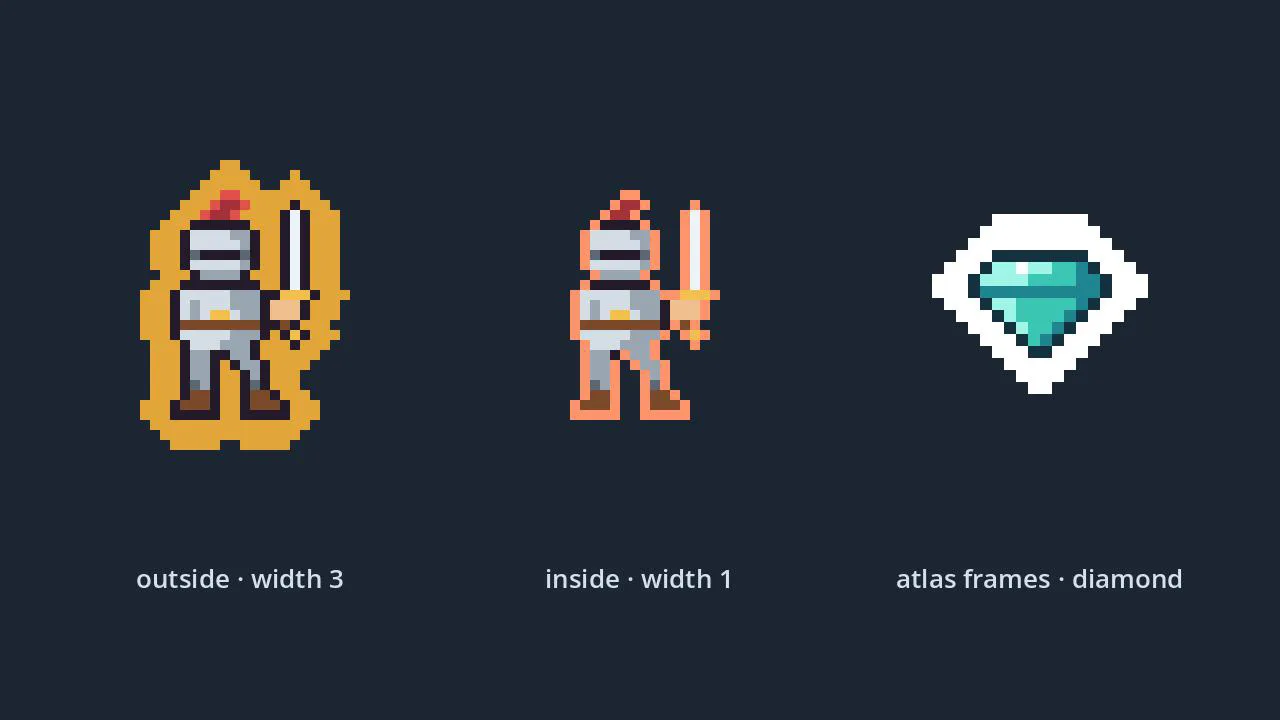
A crisp pixel outline for any 2D sprite, drawn outside or inside the art, that stays clean on sprite sheets and atlases.
- Godot 4.7
- CC0
Free Godot shaders for Godot 4.7, released under CC0: stylized water, sprite outlines, toon lighting and pixelation. Each shader page shows the full .gdshader source, a table of every parameter you can tune in the Inspector, and the steps to apply it to a mesh, a sprite or the whole screen. Download the zip for a demo project, or copy the code straight from the page. Use them in anything, commercial included, with no credit required.
A crisp pixel outline for any 2D sprite, drawn outside or inside the art, that stays clean on sprite sheets and atlases.
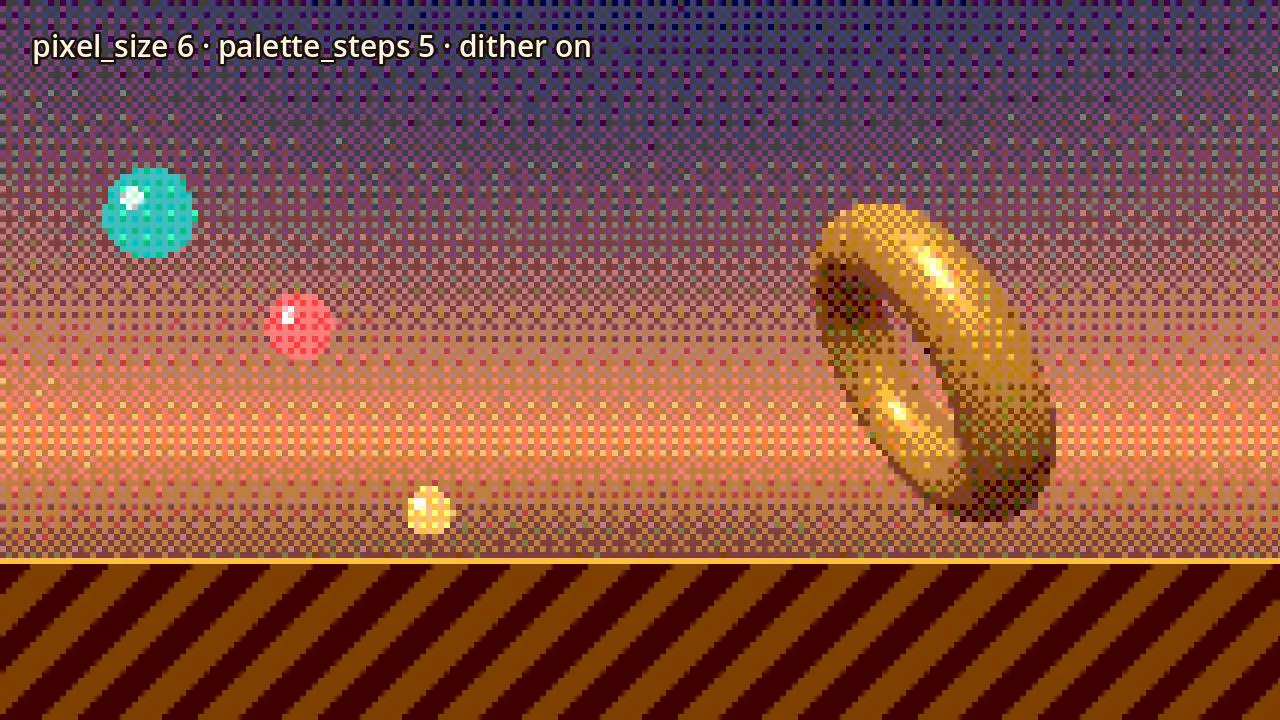
Turn the whole screen, 2D and 3D, into chunky pixels with one ColorRect, with optional colour steps and dithering for a retro palette.
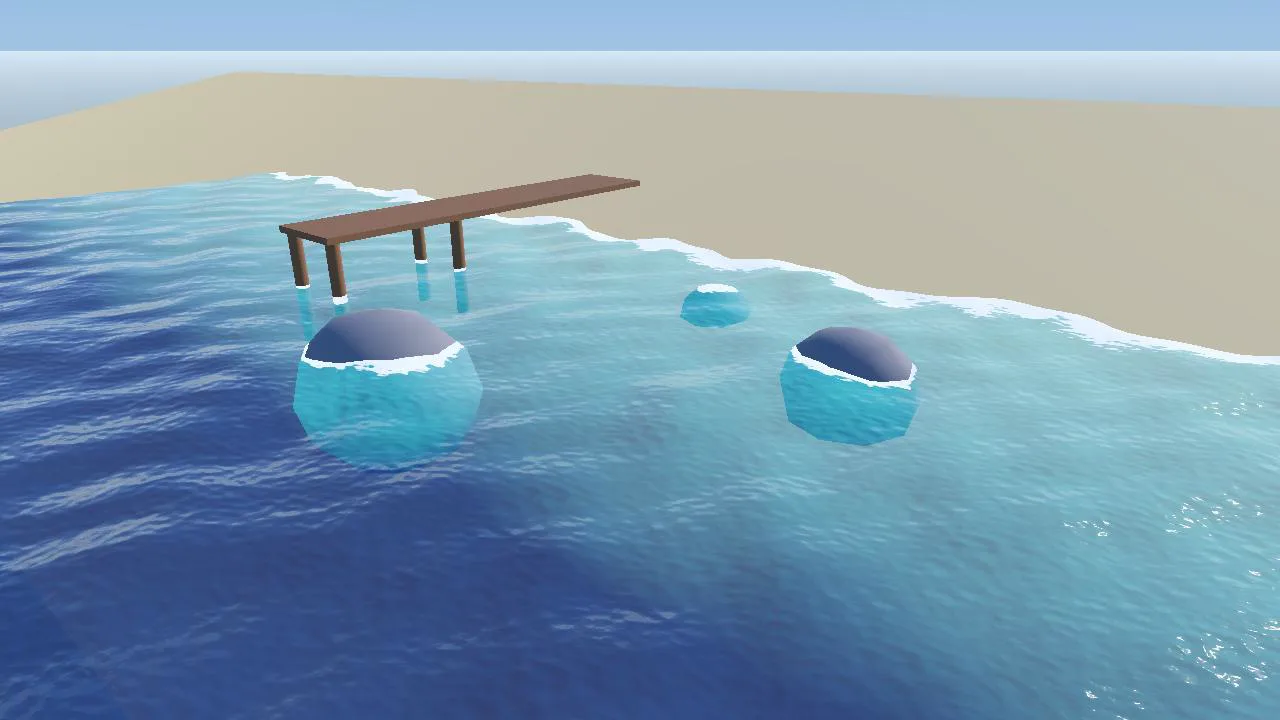
Clear shallows that fade to deep blue, foam wherever the water touches rocks, posts and the shore, gentle waves and moving ripples, all on one plane mesh.
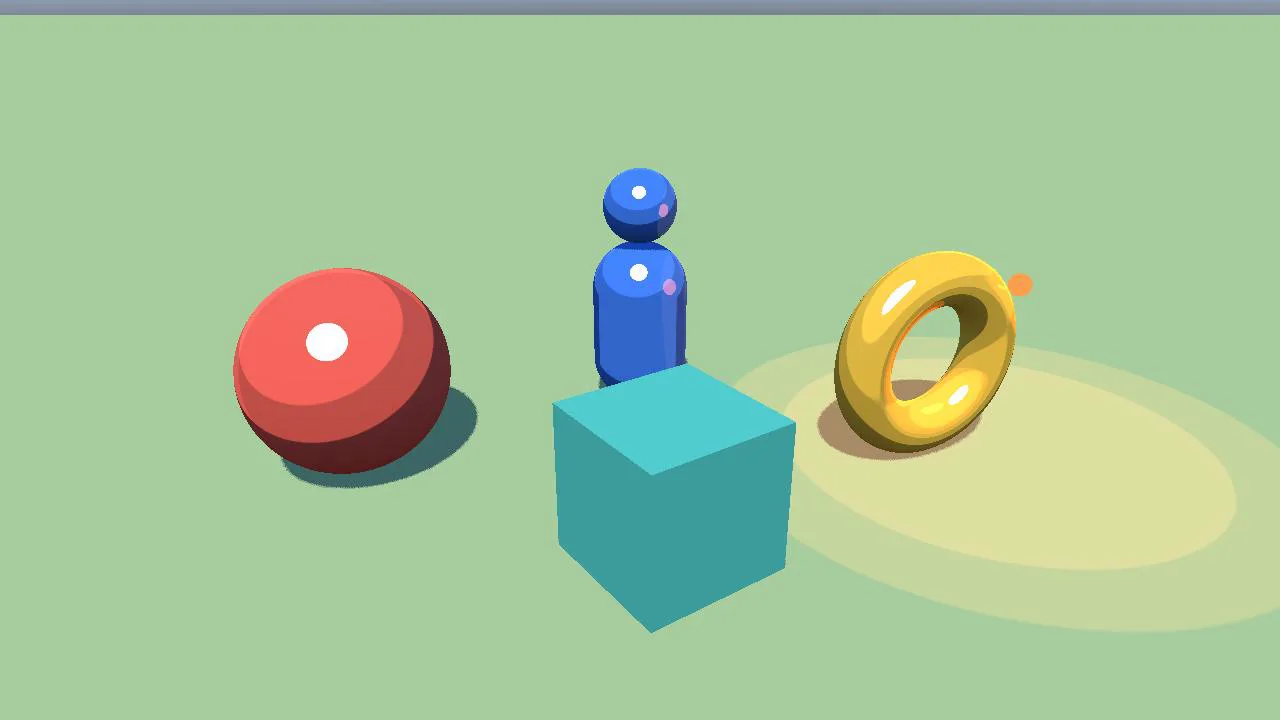
Cel shading for 3D meshes: every light cut into flat bands, a rim light on the lit edge and a highlight with a hard edge, with real shadows and as many lights as your renderer allows.
A .gdshader file is a plain text file written in Godot's shading language, which looks a lot like GLSL. It runs on the GPU and decides the colour of each pixel, and optionally moves vertices, for whatever it is applied to. The first line names the shader type, and the rest is a set of functions such as vertex(), fragment() and light() that Godot calls for you. You never compile it by hand: Godot compiles it when the scene loads and shows errors in the shader editor at the bottom of the screen.
shader_type spatial; is for 3D: meshes, terrain, water planes, anything drawn by a MeshInstance3D. It can take part in lighting, shadows and fog. shader_type canvas_item; is for 2D and UI: sprites, tile maps, Control nodes and full-screen effects drawn by a ColorRect. Some built-in variables exist in only one of them: ALBEDO, ROUGHNESS and METALLIC are spatial outputs, while TEXTURE and TEXTURE_PIXEL_SIZE exist only in canvas_item. So a shader written for one usually will not compile as the other. Each item page says which type it is.
Anywhere inside your project folder works, but a res://shaders/ folder keeps things tidy. To use it, select the node, create a new ShaderMaterial in its material slot (Material Override on a 3D mesh, Material on a 2D node), then drag the .gdshader file into the material's Shader property. If you move the file later, move it inside the Godot FileSystem dock so Godot updates the references for you.
A uniform is a setting the shader reads from outside. Every uniform appears in the Inspector under the material's Shader Parameters, with the default value from the code, so you can tune colour, speed or strength without touching the source. Hints change how the field looks: hint_range gives a slider and source_color gives a colour picker. From a script, change one with set_shader_parameter().
uniform float speed : hint_range(0.0, 4.0) = 1.0;
uniform vec4 tint : source_color = vec4(1.0);# From a script, for a mesh whose Material Override is the ShaderMaterial
$Mesh.material_override.set_shader_parameter("speed", 2.5)Effects such as pixelation change the whole screen rather than one object. Add a CanvasLayer to your main scene, give it a ColorRect child, and set the ColorRect's anchors preset to Full Rect so it always covers the viewport. Set its Mouse > Filter to Ignore so it does not swallow clicks, then give it a ShaderMaterial with the effect. The shader reads what is already on screen through a hint_screen_texture sampler and draws the changed image on top.
Godot 4 has three renderers, chosen in Project Settings > Rendering > Renderer. Forward+ is the desktop default with every feature. Mobile trades some lighting features for speed on phones and weaker GPUs. Compatibility runs on OpenGL and is the one web exports use, with the smallest feature set. A shader can compile on all three and still look different on one of them, so every item page shows which renderers were actually checked and what, if anything, degrades.
Everything in this library is released under CC0 1.0 Universal, a public domain dedication. You can use it in any project, commercial included, change it, sell games made with it, and redistribute it, without asking and without paying.
No credit is required. Credit is appreciated: a line such as "Assets from godotlearning.com" in your game's credits helps other developers find the library.
The files come with no warranty of any kind. Test them in your own project before you ship. Each zip carries this dedication and the full CC0 legal text in LICENSE.txt.
Every zip is a complete Godot 4.7 project folder. Unzip it anywhere, open Godot's Project Manager, choose Import and select the project.godot file inside. The demo scene opens with the item already working, so you can see it before you change anything.
You can use a zip in two ways. Open it on its own as a complete project, as above, and build your game from there. Or add the item to the game you already have: follow the install steps on the item's page, which name the files to copy and any extra step, such as an input action or a project setting. Never copy the zip's project.godot into your own project. In your project's root it would replace your settings, and in a subfolder it makes Godot ignore that whole folder, because Godot skips any folder that holds a project.godot of its own.
For how Godot imports models, textures and audio in general, see the asset import guide.
Missing a shader, a kit or a starter you need? Tell us what you are building and which renderer you target.