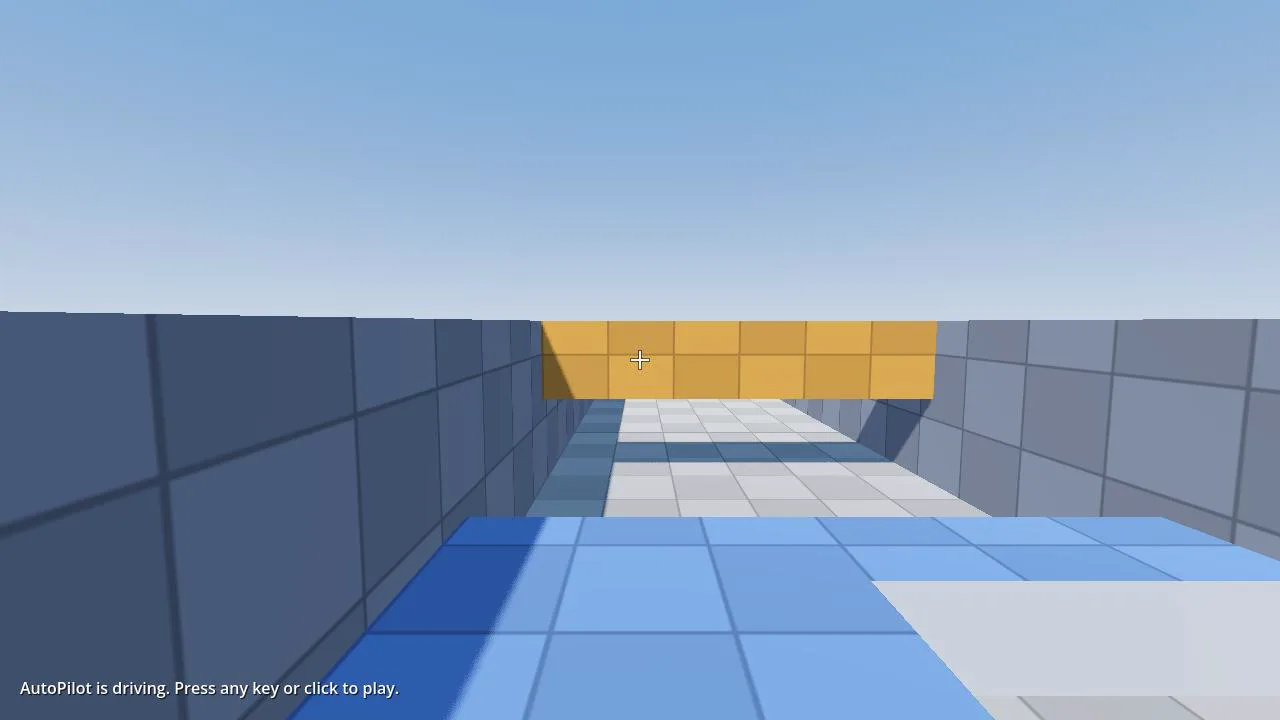
FPS Controller
A first-person CharacterBody3D for Godot 4.7 with mouse look, sprint, crouch with a ceiling check, coyote time and jump buffering. It brings its own input actions and 54 behaviour tests that prove each feature.
- Godot 4.7
- CC0
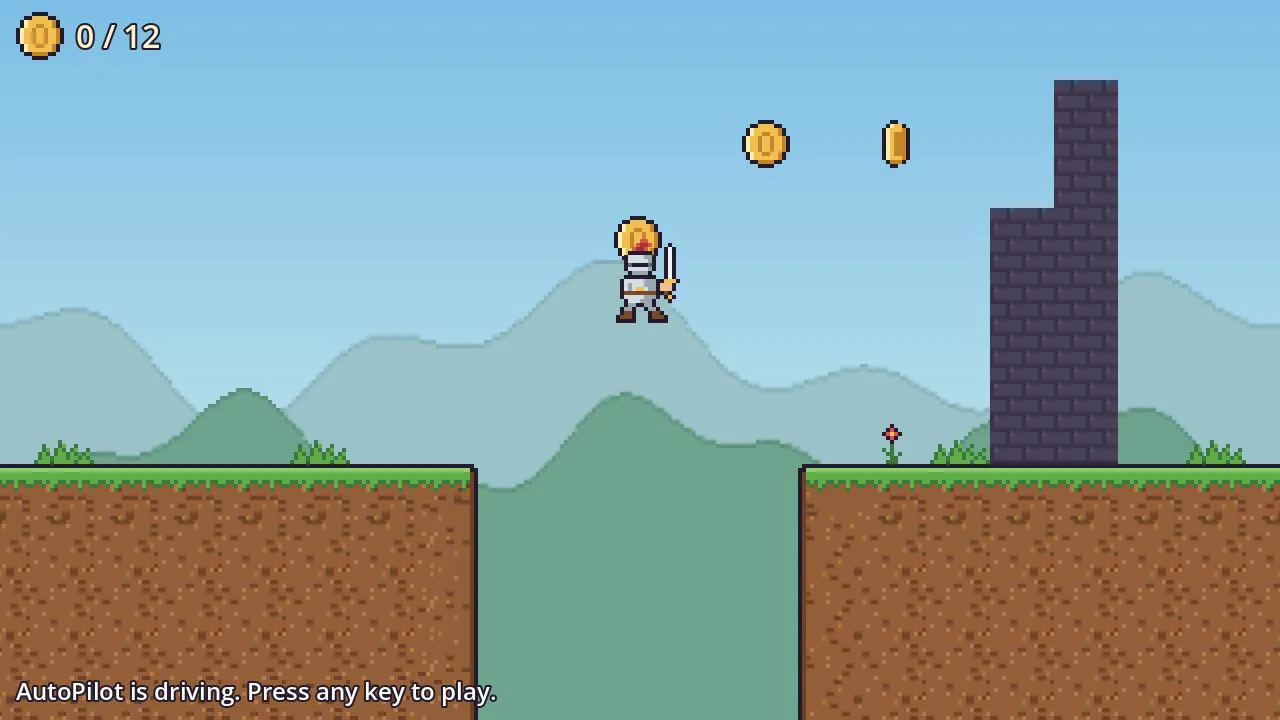
Free Godot templates and tools for Godot 4.7, released under CC0: a first-person controller and a 2D platformer starter, with movement, camera and input already wired up. Each tool is a complete Godot project you can open and play, then use as the base of your own game or copy into an existing one. The pages explain how each script works, list every exported setting, and point out what to change first. Commercial use is fine and no credit is required.
A first-person CharacterBody3D for Godot 4.7 with mouse look, sprint, crouch with a ceiling check, coyote time and jump buffering. It brings its own input actions and 54 behaviour tests that prove each feature.
A complete 2D platformer template for Godot 4.7: a player with coyote time, jump buffering and variable jump height, a TileMapLayer level, a camera that stops at the level's edges, coins, checkpoints, death and a HUD. 42 tests prove each part.
Everything in this library is released under CC0 1.0 Universal, a public domain dedication. You can use it in any project, commercial included, change it, sell games made with it, and redistribute it, without asking and without paying.
No credit is required. Credit is appreciated: a line such as "Assets from godotlearning.com" in your game's credits helps other developers find the library.
The files come with no warranty of any kind. Test them in your own project before you ship. Each zip carries this dedication and the full CC0 legal text in LICENSE.txt.
Every zip is a complete Godot 4.7 project folder. Unzip it anywhere, open Godot's Project Manager, choose Import and select the project.godot file inside. The demo scene opens with the item already working, so you can see it before you change anything.
You can use a zip in two ways. Open it on its own as a complete project, as above, and build your game from there. Or add the item to the game you already have: follow the install steps on the item's page, which name the files to copy and any extra step, such as an input action or a project setting. Never copy the zip's project.godot into your own project. In your project's root it would replace your settings, and in a subfolder it makes Godot ignore that whole folder, because Godot skips any folder that holds a project.godot of its own.
For how Godot imports models, textures and audio in general, see the asset import guide.
Missing a shader, a kit or a starter you need? Tell us what you are building and which renderer you target.